Opt Into Networks and Vaults
Before you can start receiving delegations, complete two opt-in steps:
- Opt-in to networks you want to interact with
- Opt-in to vaults you plan to receive delegations from, including operator-specific vaults
Opt-in to Network
Using Safe
- Open "Transaction builder"
- Enter
OperatorNetworkOptInServiceas the contract address - Select the
optIn()method - Enter the desired network's address
- Sign and send the transaction
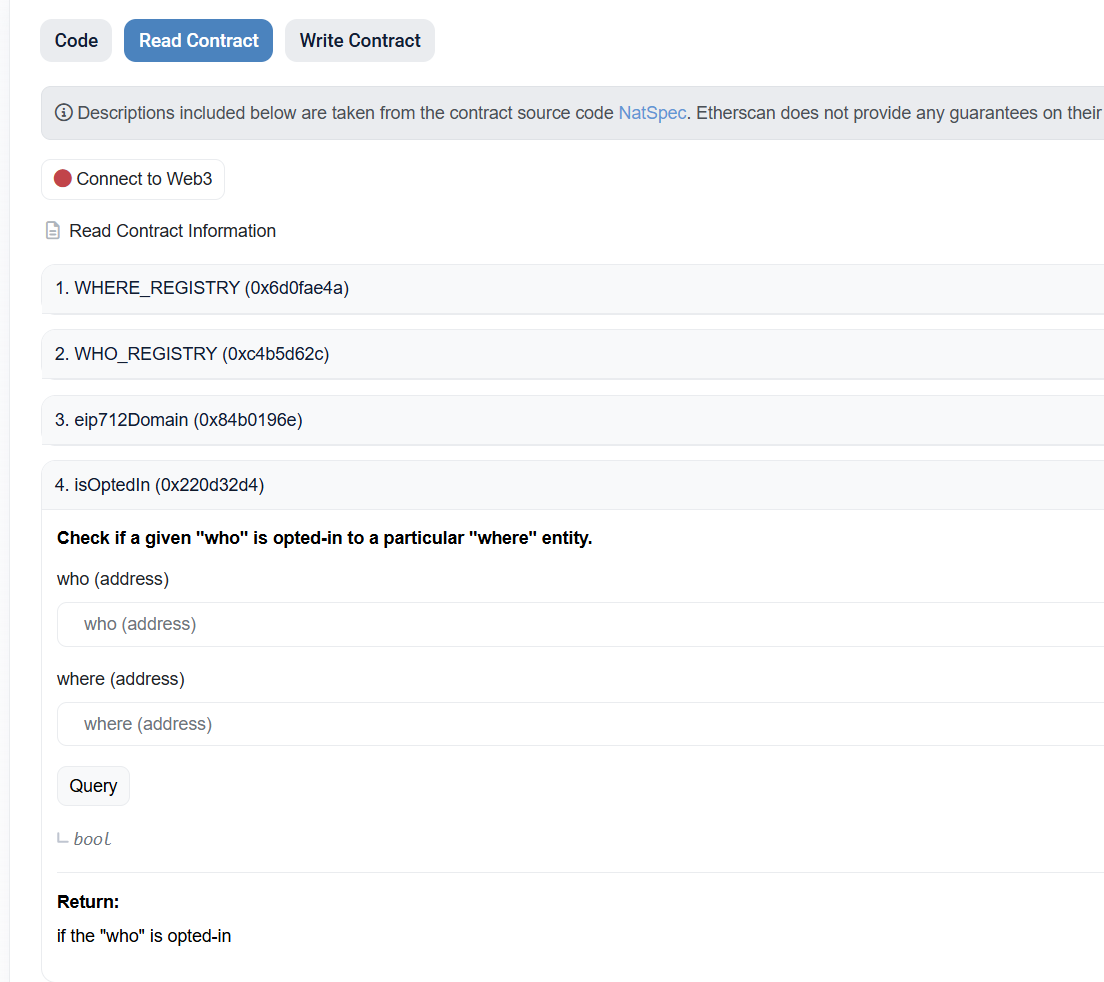
Verify via Etherscan
- Open the "Read Contract" tab in the
OperatorNetworkOptInServicecontract - Open the
isOptedIn()method - Enter your
OPERATOR_ADDRESSin thewhoparameter andNETWORK_ADDRESSin thewhereparameter - Click "Query" — it should return
True
Opt-in to Vault
Using Safe
- Open "Transaction builder"
- Enter
OperatorVaultOptInServiceas the contract address - Select the
optIn()method - Enter the desired vault's address
- Sign and send the transaction
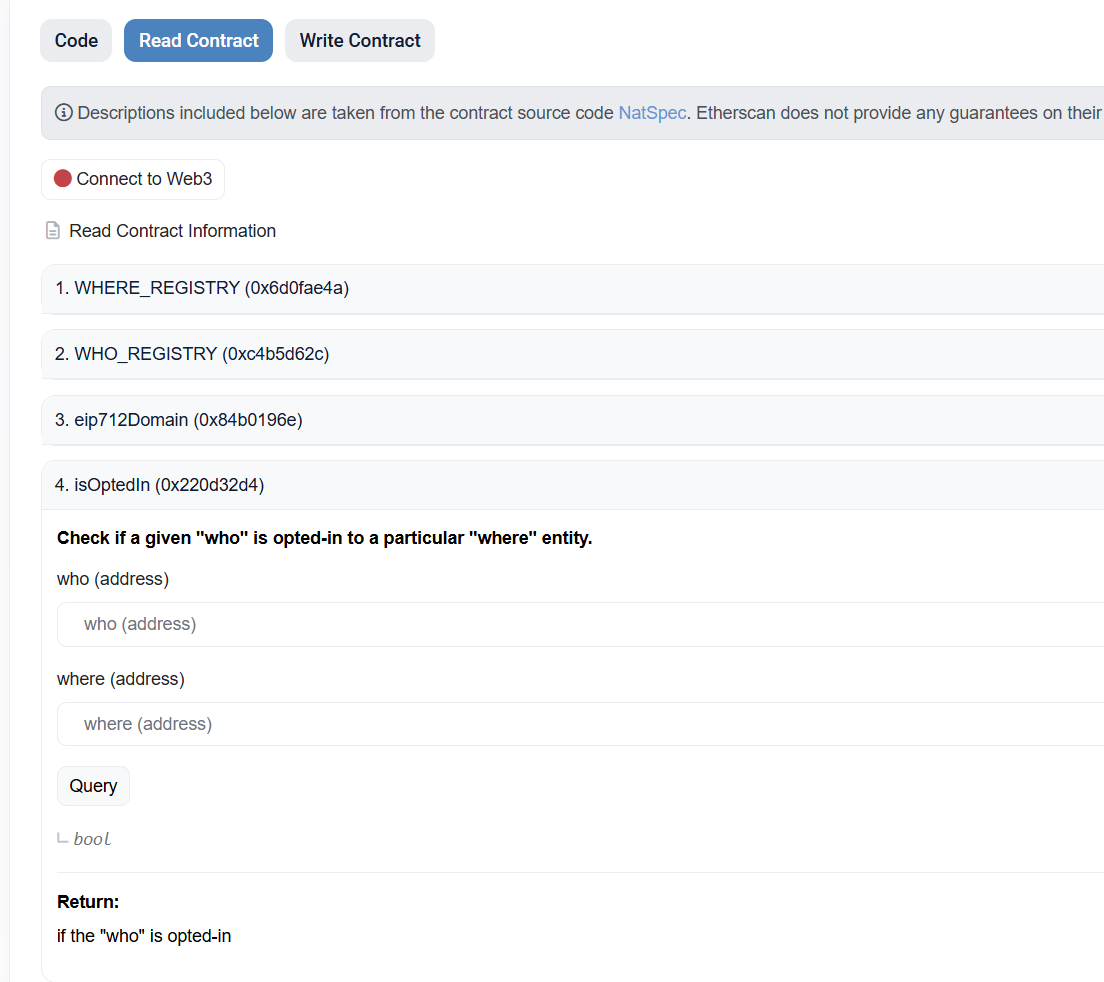
Verify via Etherscan
- Open the "Read Contract" tab in the
OperatorVaultOptInServicecontract - Open the
isOptedIn()method - Enter your
OPERATOR_ADDRESSin thewhoparameter andVAULT_ADDRESSin thewhereparameter - Click "Query" — it should return
True